In today’s construction industry, 2D drawings are no longer enough. Envision360’s CAD to BIM services bridge the gap between traditional drafting and modern Building Information Modeling (BIM). We specialize in converting your legacy AutoCAD files (.DWG), PDFs, and even hand-sketched blueprints into precise, parametric Revit models.
Whether you are an architect needing a 3D base for a renovation or a contractor requiring clash-free coordination models, our 2D to 3D conversion ensures your project data is accurate, accessible, and ready for the future.
Moving from 2D to 3D is not just a visual upgrade; it’s a strategic necessity for reducing errors and improving collaboration.

We tailor the Level of Development (LOD) to match your specific project needs, ensuring you don’t pay for unnecessary detail.
LOD Level | Description | Best Application |
LOD 100 (Concept) | Massing: Generic representation of the building volume and orientation. | Site analysis and feasibility studies. |
LOD 200 (Design Development) | Approximate Geometry: General systems with approximate quantities, size, and shape. | Space planning and initial design intent. |
LOD 300 (Construction Documentation) | Precise Geometry: Specific systems (e.g., specific wall types, column sizes) with accurate dimensions. | Permit Drawings, renovation planning, and structural analysis. |
LOD 350 (coordination) | Inter-Trade Coordination: Accurate interfaces with other building systems (e.g., supports, connections). | Clash Detection between MEP and Structure. |
LOD 400 (Fabrication) | Fabrication Ready: Modeled with assembly details, welds, and bolts. | Pre-fabrication of steel and MEP components. |
We follow a structured process to ensure accuracy and consistency.
We review your input files (.DWG, .PDF, .JPG) to understand the scope, scale, and layer standards.
We configure the Revit template with your specific project standards (units, text styles, line weights).
Our team systematically builds the 3D model, ensuring all elements are parametrically linked.
We perform a rigorous check to ensure the 3D model matches the 2D dimensions exactly.
We run interference checks to identify conflicts between disciplines.
You receive the native .RVT file, IFC export, and updated construction documentation sets.

We create parametric BIM models in Autodesk Revit, based on the 2D CAD drawings.
Our team develops fully coordinated Architectural, Structural, and MEP models aligned with project standards and client requirements.
Modelling Disciplines:
Levels of Detail (LOD):
Includes element parameters, naming conventions, and metadata tagging
Each model undergoes a rigorous quality control process to ensure dimensional accuracy and adherence to industry standards (AEC, NBS, and ISO 19650).
We validate the BIM against CAD sources and project specifications before final delivery.
Checks Include:

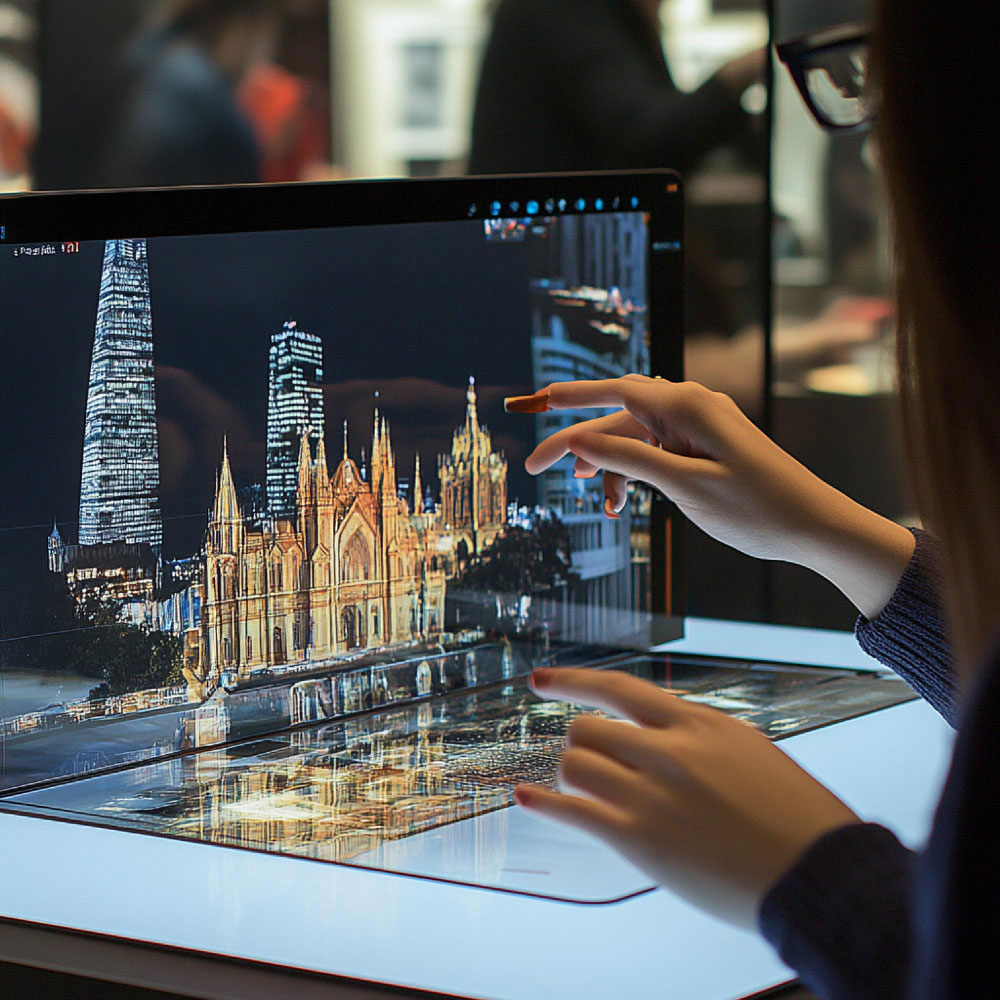
Our deliverables are compatible with all major AEC and FM platforms.
We provide Revit models, 2D sheets, and IFC files ready for design, coordination, or facility management.
Deliverables:
Software Compatibility:

Empower your team with the data-driven insights needed for smarter construction and lifecycle management.
We combine advanced scanning technology with practical industry expertise to deliver accurate, detailed, and visually powerful digital assets.
©2025. Envision360. All Rights Reserved.